Interactive Number Line for Clear Number Sense Practice
Use this interactive number line generator to compare values, explore intervals, and build confidence with positive and negative numbers.
Use a free interactive number line with negative and positive values, custom range, and adjustable step size. Ideal visual math support for students and teachers.
Interactive Number Line
Explore positions and distances. Drag markers to observe real-time calculations and interval highlights.
Line Config
- Range
- 0 to 100
- Total Span
- 100
- Step
- 1
Live Values
- Point A
- 25
- Marker B is Disabled
- —
- Difference
- —
- Percent of Span
- —
What This Interactive Number Line Helps You Learn
This virtual number line is designed for learners who need visual structure when numbers feel abstract. It shows position, distance, and order in one clear view.
You can set minimum and maximum values, change scale, and choose step size to match classroom lessons or home interventions.
For dyscalculia support, this number line tool helps transform mental guessing into visible math reasoning.
How to Use the Number Line Tool
- 1
Set your range and increments. Enter minimum, maximum, and step values to build a custom number line with custom intervals.
- 2
Place or drag markers. Move point A and optional point B to see exact positions on the line and compare two numbers directly.
- 3
Read live values. Use distance and percentage feedback to understand how far apart values are in the selected interval.
Why This Virtual Number Line Works for Math Support
This tool supports learning and practice. It is not a clinical diagnostic instrument.
For screening context, use our Dyscalculia Test and optional AI report.
How Learners Use This Number Line
Interactive Number Line FAQ
What is an interactive number line?
Is this number line visualizer free to use?
How do I make a number line online?
Can I make a number line from -50 to 50?
How do I compare two numbers on a number line?
Is there a free interactive number line for students?
Can teachers use this as a number line virtual classroom aid?
Explore Another Math Support Tool
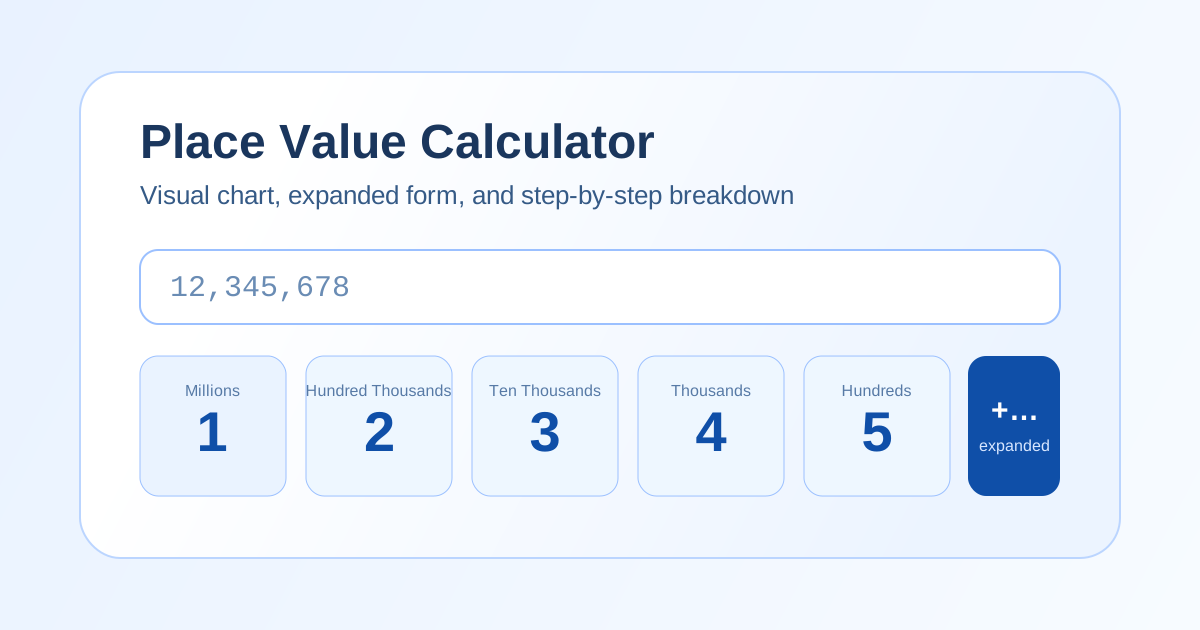
Continue with our place value calculator to connect number line practice with digit structure and expanded form.